
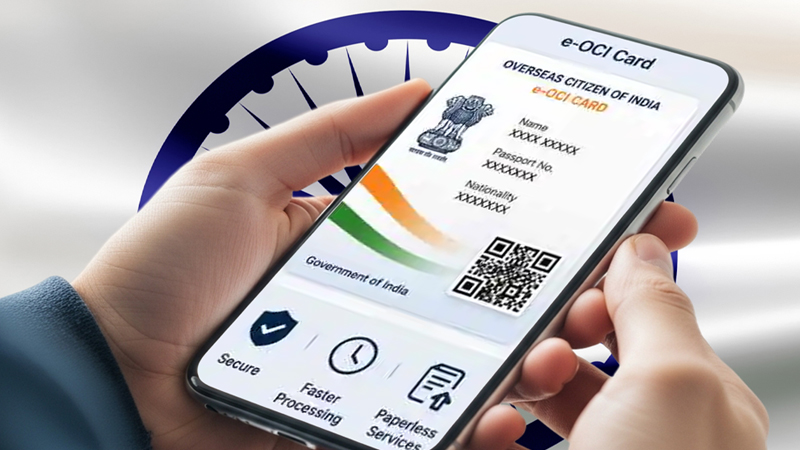





As part of its wider digital governance push, alongside the FCRA 2.0 Portal, the Government of India has introduced the e-OCI (Electronic Overseas Citizen of India) card to reduce paperwork and allow users to store a digital version of their OCI card on a smartphone.
The e-OCI system has been launched to enable easier verification at airports and immigration counters for more than 5 million OCI cardholders around the world.
The digital version is more convenient and faster when compared to the physical OCI booklet, which still remains valid, and offers real-time access to identity details during travel.
OCI holders can access and generate their e-OCI card through the official portal by logging in, selecting the e-OCI section, and downloading the generated card for mobile use.
The new system obviously has reduced risk of loss or damage, and is an additional digital facility, not a replacement.
You can download your e-OCI card by visiting https://ociservices.gov.in
Log in using your existing User ID and password. New users must register using the email ID used in their OCI application. Go to the dashboard and select the e-OCI tab. Your application details will appear. Click ‘Generate e-OCI Card’ in the last column.
Once generated, download the e-OCI card and save it securely on your mobile or device.
The digital card can be shown at immigration counters and to airlines whenever required. – editor@nrifocus.com
Leave a Reply